Your day at a glance
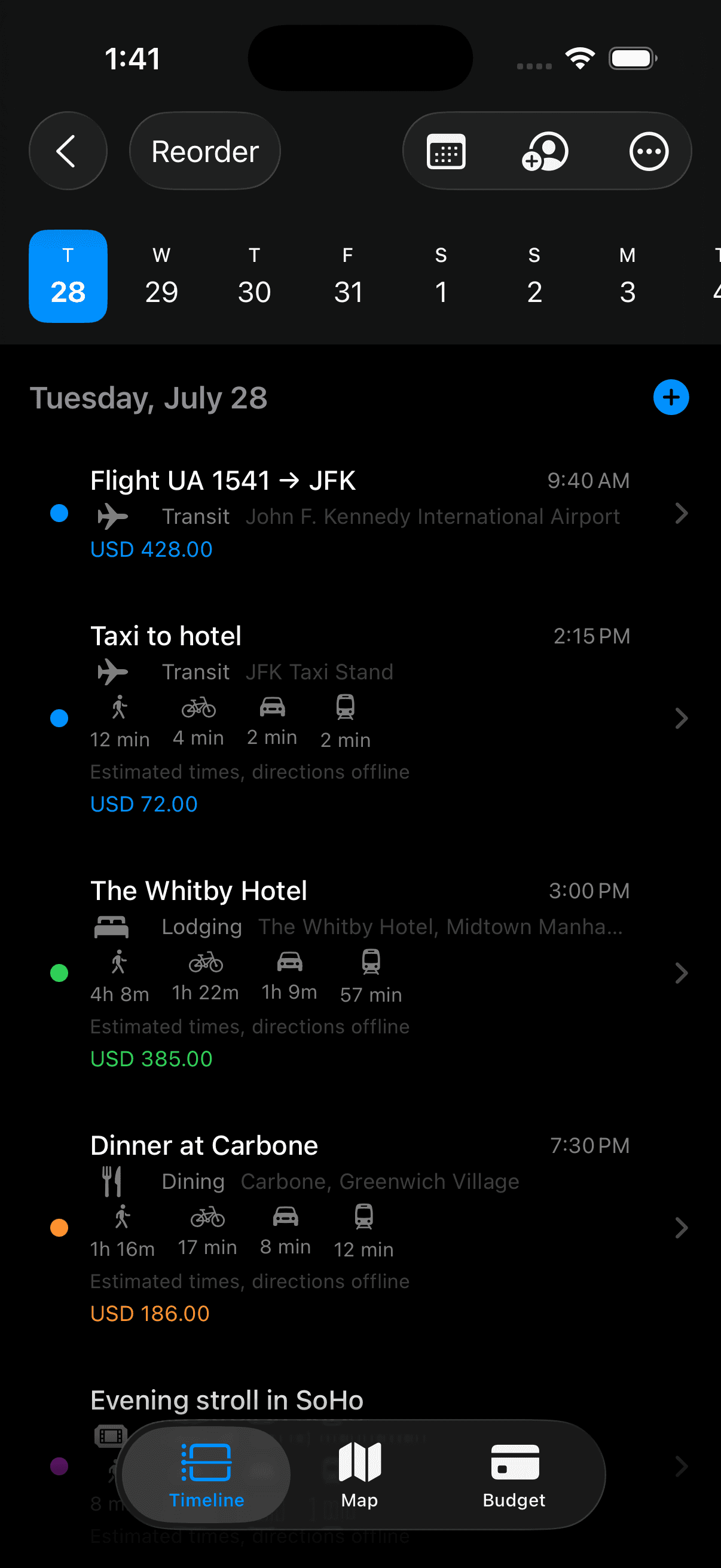
Flights, hotels, and plans on one timeline. Easy to scan when you’re rushing between stops.
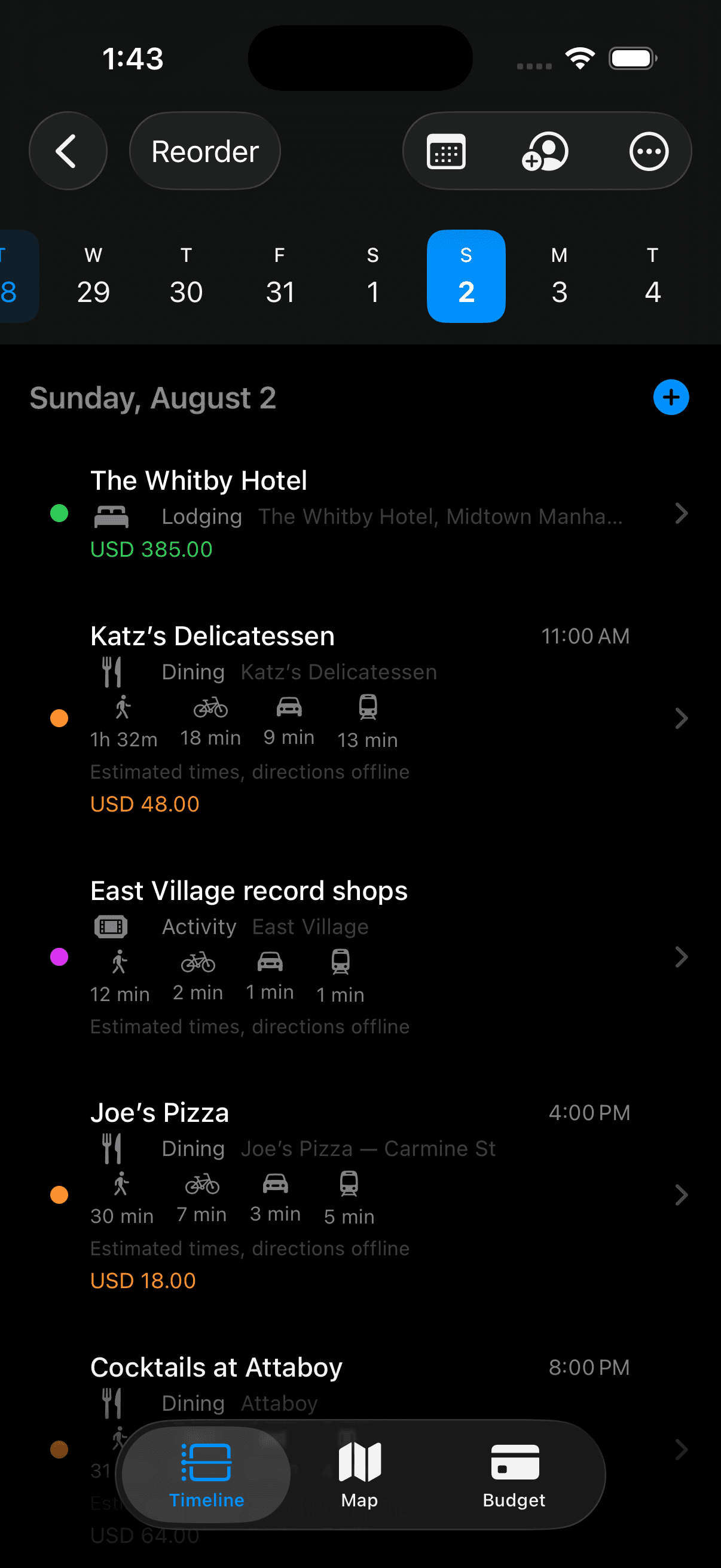
Put your trip on a simple day-by-day timeline. Offline when you need it, without ads or extra clutter.
Why
I built Waypoint because I wanted somewhere clean to keep a trip: times, places, and the little details that matter on the day. Just for iPhone.
In the app
Flights, hotels, and plans on one timeline. Easy to scan when you’re rushing between stops.
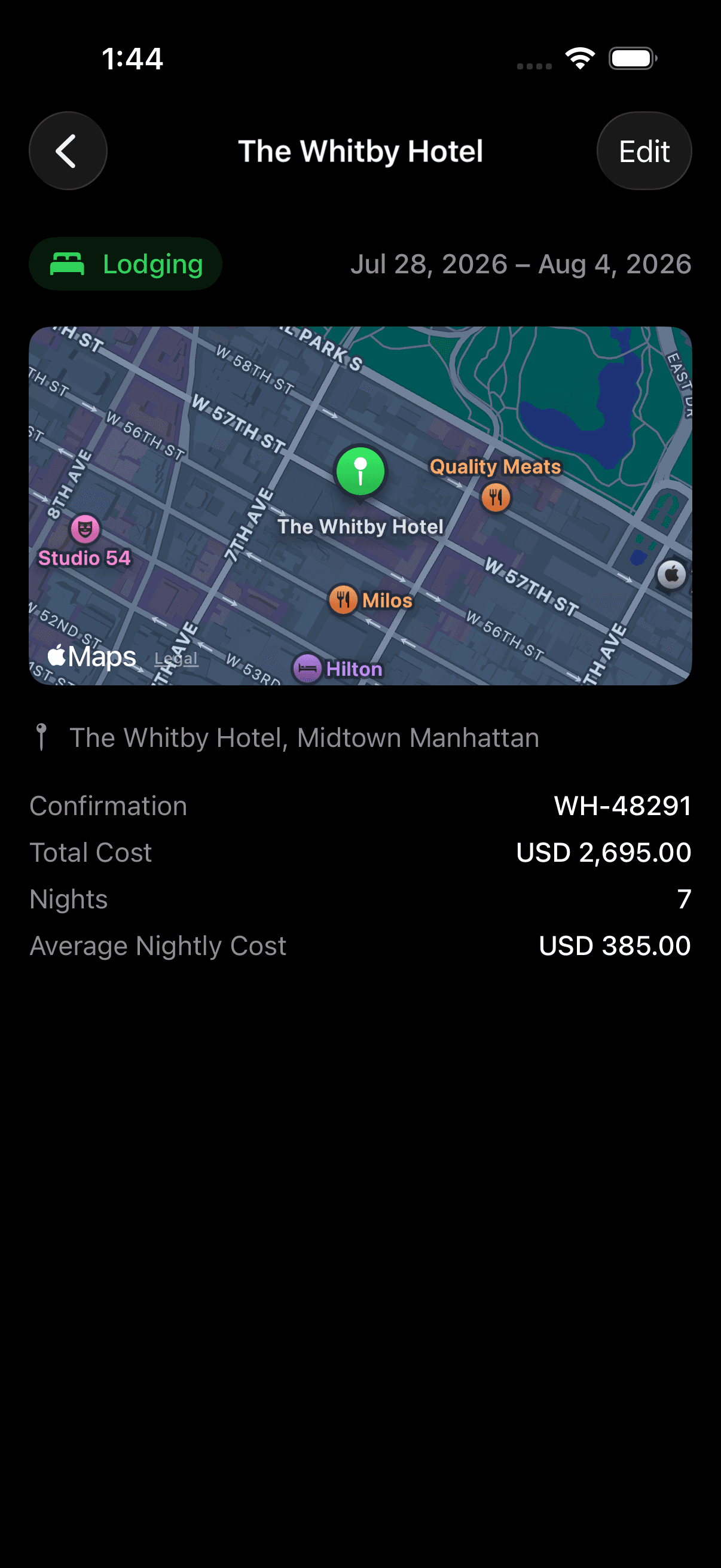
Confirmation numbers, addresses, and notes sit next to the plan, not buried in your inbox.
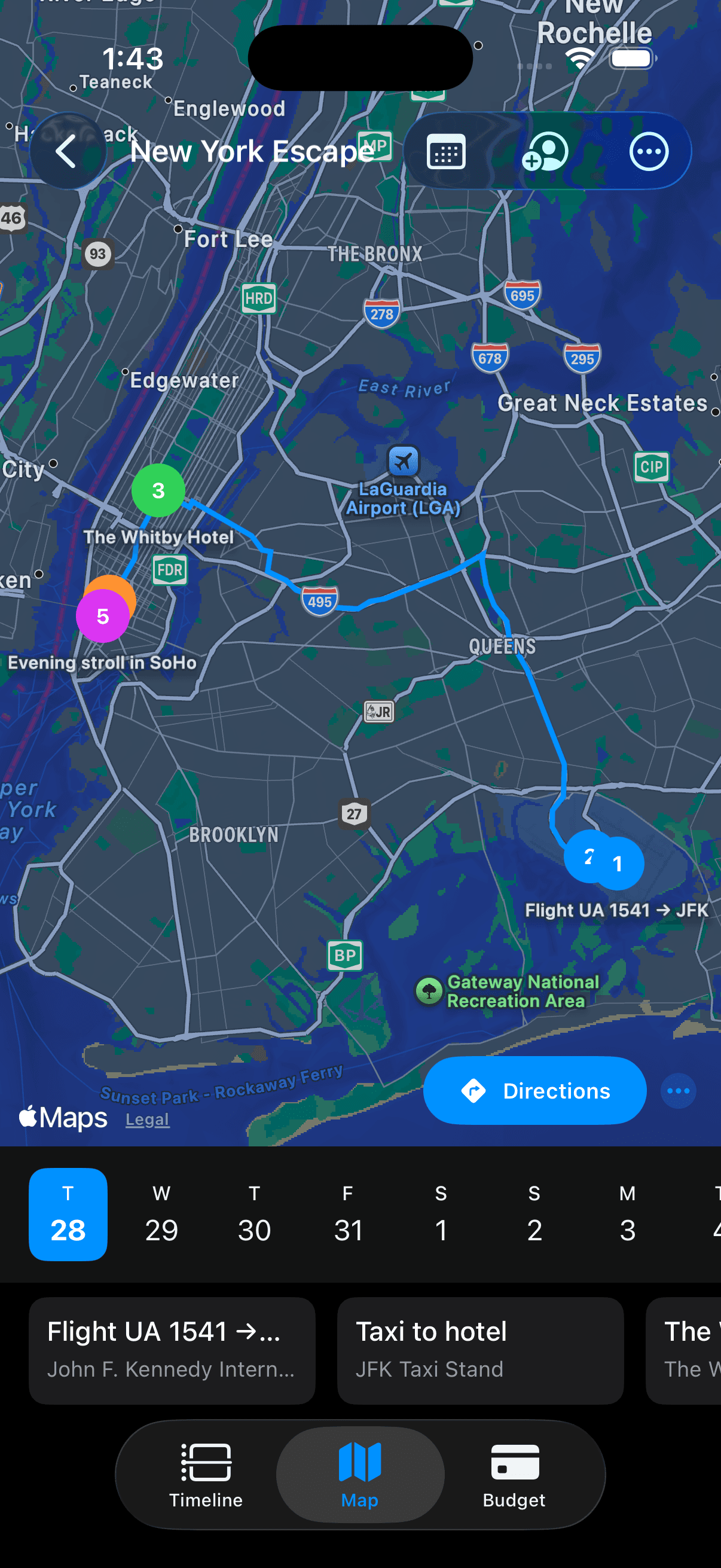
Open it on the plane. No account required to start. Itinerary and budget still work without a connection.
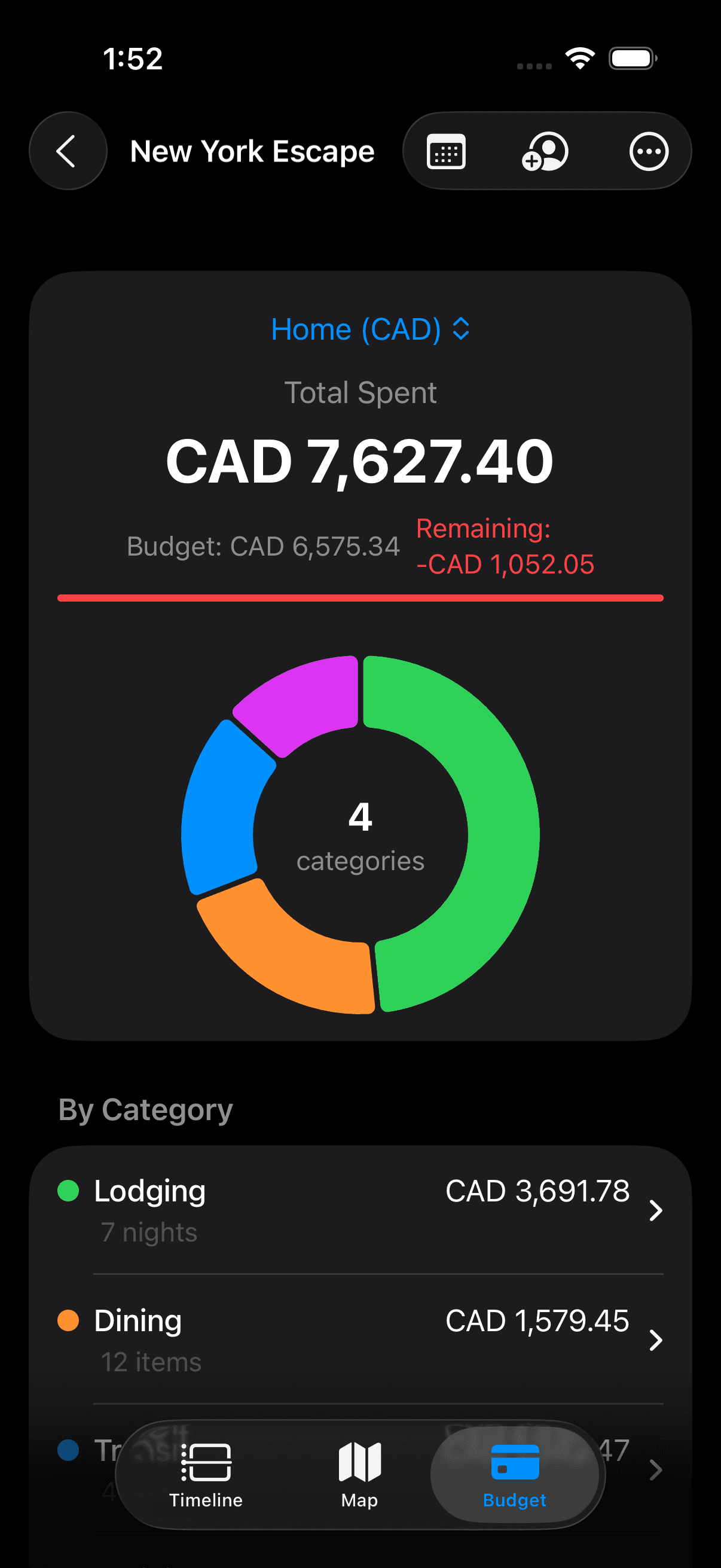
See what you’ve spent by category, next to the budget you set for the trip.
Basics
Log a flight, hotel, or note without filling out a long form.
Built around Apple’s patterns so it doesn’t feel like a bolted-on web app.
Your itinerary is available without cell service or roaming.
No signup wall. Start locally; iCloud sync is optional.
Questions
Waypoint is a travel planner for iPhone. It puts a trip on a day-by-day timeline so flights, stays, reservations and notes sit in one place instead of across your inbox and screenshots.
Yes. Your itinerary and budget still work on a plane or abroad without cell service. Search, directions, and fresh exchange rates need a connection; rates are cached when you have one.
No. There is no signup wall. You can start immediately with data stored on your iPhone. Optional iCloud sync uses your Apple ID, not a Waypoint login.
Personal iCloud sync is optional, and it stays in your private iCloud. Sharing a trip with other people (Owner, Editor, or Viewer) is a Waypoint Pro feature, using Apple’s CloudKit Sharing.
The free app covers one active trip, with the full timeline, offline use, personal iCloud sync, local maps, and local budget. Waypoint Pro is a one-time purchase that unlocks unlimited trips, collaboration, and PDF/CSV export.
Waypoint is being submitted to the App Store. It is not listed yet.
No. Waypoint is built only for iPhone, using Apple’s own interface patterns rather than a cross-platform wrapper.